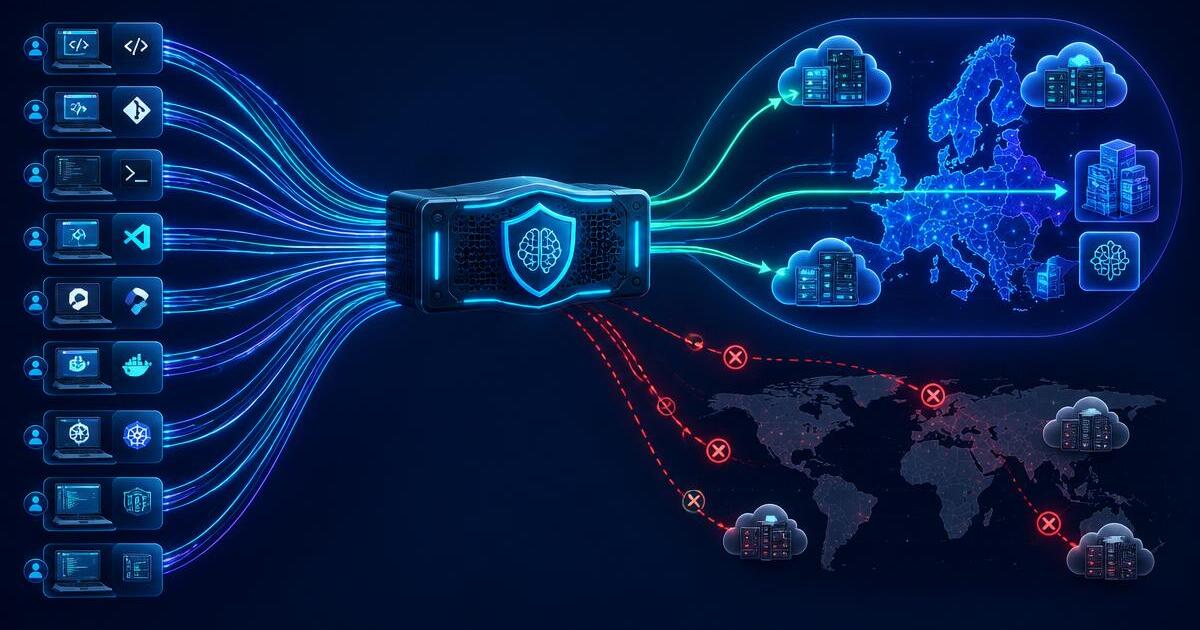
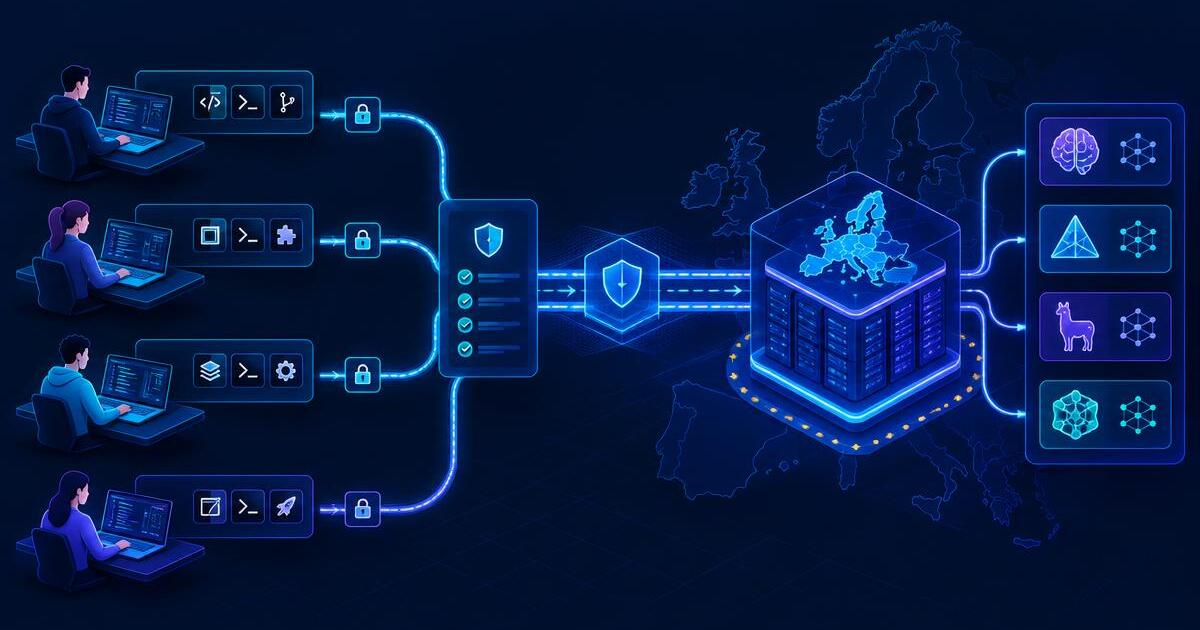
Running an open-weight model in the EU is only half the job. The coding tool your developers use decides whether their code actually goes there, or somewhere else first.
For every tool, I ask the same question: does it send requests straight from the developer’s machine to the endpoint you choose, or does it route them through the vendor’s own servers? The first keeps your EU residency control intact. The second adds the vendor to the path, wherever its servers are.
This post covers Kiro, Mistral Vibe, Cline and Cursor. For where the models themselves can run, see Open-Weight Coding Models in the EU.
Kiro
Kiro is the simplest option if you’re happy with the models it offers. With a Kiro Enterprise profile in Frankfurt, it serves several open-weight models from its EU geography, including Qwen3 Coder Next, DeepSeek 3.2, GLM-5 and MiniMax M2.5 (Kiro: Models). There’s nothing to configure per developer: they pick the model in Kiro, and the profile Region decides where it runs.
The same rules apply as for Claude in Kiro. Users must sign in as enterprise users through IAM Identity Center or your identity provider, because individual users are always served from the US. Models marked experimental can be processed worldwide (Kiro: Models). You choose from the models Kiro offers, and the list changes, so recheck it before approving models. Our article on Using Kiro with Claude in the EU covers the setup.
Mistral Vibe
Mistral Vibe is Mistral’s open-source coding agent for the terminal. By default it uses Mistral’s own API, which is hosted in Europe. It also supports models behind an OpenAI-compatible API, which makes it a useful fit for self-hosted or Bedrock-hosted open-weight models.
Mistral’s offline documentation shows the provider pattern with an older Devstral example. Devstral Small 2 is now deprecated, so for a new rollout keep the provider pattern but choose an active model, such as Mistral Medium 3.5 or another model you have validated.
[[providers]]
name = "local"
api_base = "http://localhost:8080/v1"
api_style = "openai"
backend = "generic"

[[models]]
name = "<active-open-weight-model-id>"
provider = "local"
alias = "local-model"

active_model = "local-model"
To keep code entirely inside your setup, Mistral recommends also turning
off telemetry and background update checks with
enable_telemetry = false and enable_auto_update = false. With those
settings and a local provider, Mistral says the CLI doesn’t contact
mistral.ai or any other external service (Mistral docs: Using offline
models).
For a team, use Vibe’s admin config. Settings an admin sets there, including models, providers and telemetry, can’t be changed locally (Mistral docs: Admin config).
The same provider pattern should interoperate with Amazon Bedrock’s OpenAI-compatible endpoint for supported models in an EU Region. I have not yet validated Mistral Vibe against that endpoint end to end, so treat this as a compatibility path to test, not a configuration I am claiming to have production-tested.
Cline
Cline is an open-source coding agent for VS Code. It gives you two ways to reach an EU-hosted model.
- The Amazon Bedrock provider uses your AWS credentials and a Region you set (Cline docs: Model providers). Set the Region to an EU Region and choose a model that runs In-Region there.
- The OpenAI Compatible provider takes a base URL, an API key and a model ID (Cline docs: OpenAI Compatible). Point it at Bedrock’s OpenAI-compatible endpoint in an EU Region, at Mistral’s API, or at a model you host yourself.
For example, to use Qwen3 Coder 30B in Frankfurt through the OpenAI Compatible provider, the settings would be:
| Setting | Value |
|---|---|
| Base URL | https://bedrock-runtime.eu-central-1.amazonaws.com/openai/v1 |
| API key | A Bedrock API key |
| Model ID | qwen.qwen3-coder-30b-a3b-instruct |
The base URL pattern and model ID come from AWS’s model card (AWS: Qwen3 Coder 30B model card). Test it with Cline’s Verify button before rolling it out.
For teams, Cline’s enterprise edition lets admins set the provider for the whole organisation, with guides for Bedrock and OpenAI-compatible endpoints (Cline docs). That’s the way to stop individual developers switching to a provider outside the EU.
Cursor
Cursor lets you add your own keys for OpenAI, Anthropic, Google, Azure OpenAI and Amazon Bedrock. The Bedrock option works with the models available in your Bedrock configuration (Cursor: Bring your own API key).
The limits from our Cursor article apply here too, whatever model you use. All requests are routed through Cursor’s servers for final prompt building, your own keys only work for chat, and Tab completion keeps using Cursor’s built-in models (Cursor: Bring your own API key). Cursor’s documentation doesn’t describe a way to connect a self-hosted OpenAI-compatible endpoint.
So Cursor can use an open-weight model hosted in the EU for the model call, but your code still passes through Cursor’s servers on the way. If your requirement is that code stays in the EU end to end, choose one of the other tools.
The tools side by side
| Tool | How it reaches the model | Can use your own EU endpoint | Code passes through the vendor’s servers | Team-wide control |
|---|---|---|---|---|
| Kiro | Kiro’s own Bedrock, EU with a Frankfurt enterprise profile | You choose from Kiro’s model list | Kiro is itself an AWS service | Enterprise profile and approved models |
| Mistral Vibe | The provider you configure | Yes, any OpenAI-compatible endpoint | No, with a local provider and telemetry off, per Mistral | Admin config |
| Cline | The provider you configure | Yes, Bedrock or any OpenAI-compatible endpoint | Check Cline’s own documentation on telemetry | Enterprise remote configuration |
| Cursor | Through Cursor’s servers, then to your Bedrock account | Bedrock only | Yes | Team dashboard |
If you want an open-weight model and an end-to-end EU path, tools that can call your chosen EU endpoint directly are the cleanest fit. Mistral Vibe and Cline can do that; Kiro is simpler when its managed model list covers what you need.
Need to validate the tool path as well as the model?
Wolkn Minds can test the model and coding-tool combination end to end, then lock the team configuration to the approved EU endpoints.